Modify HTTP headers. Right from your toolbar.
Add, edit, or remove request and response headers, switch User-Agents, and bypass CORS while you develop and test — no proxy, no server, no hassle.
🔒 100% local — no data ever leaves your browser
Built for developers, QA, and API testers
Everything you need to test authenticated APIs, debug CORS, and simulate edge cases.
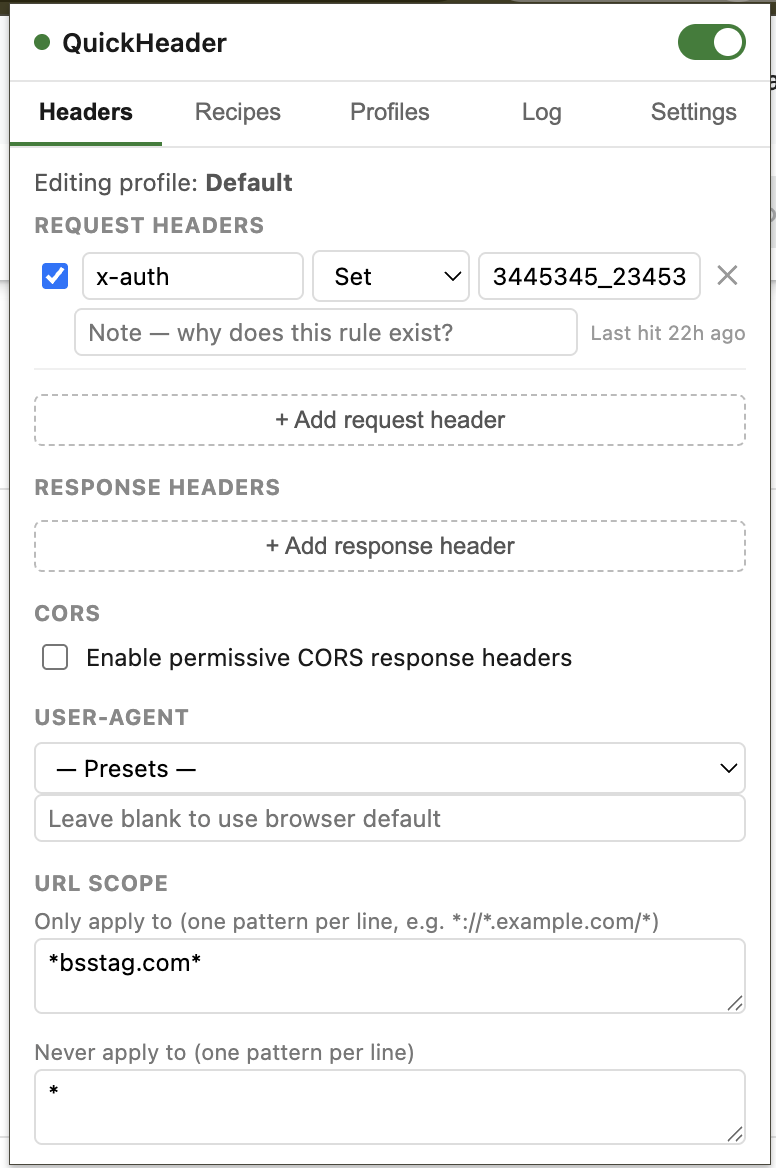
Edit any header
Add, edit, remove, or toggle request and response headers — no proxy, no server, no code changes.
Named profiles
Switch between Dev, Staging, and Production configs instantly, without them colliding.
URL scoping
Restrict a profile to specific domains, or exclude specific domains, with wildcard patterns.
CORS & User-Agent
One-click CORS preset and a built-in User-Agent switcher with common device presets.
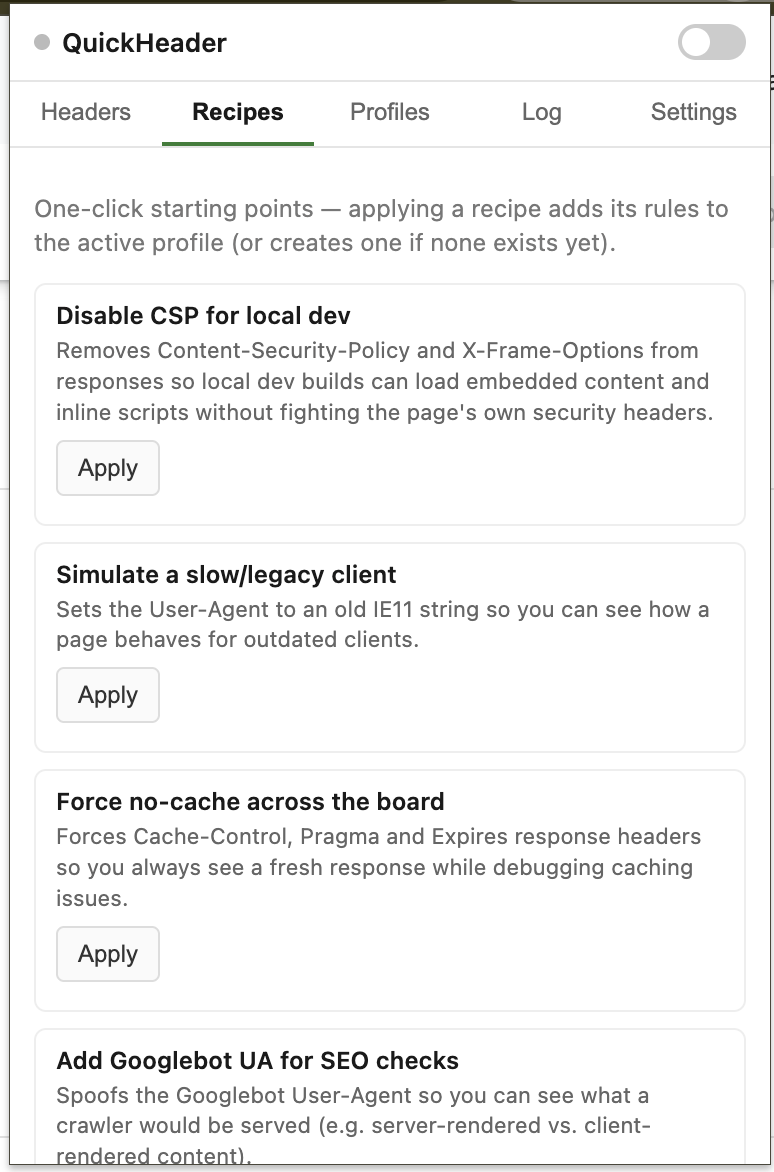
Recipe library
One-click starting points — disable CSP, force no-cache, spoof Googlebot, and more.
Environment guardrails
Tag a profile 'production' and guardrail profiles will never fire against that host, even by mistake.
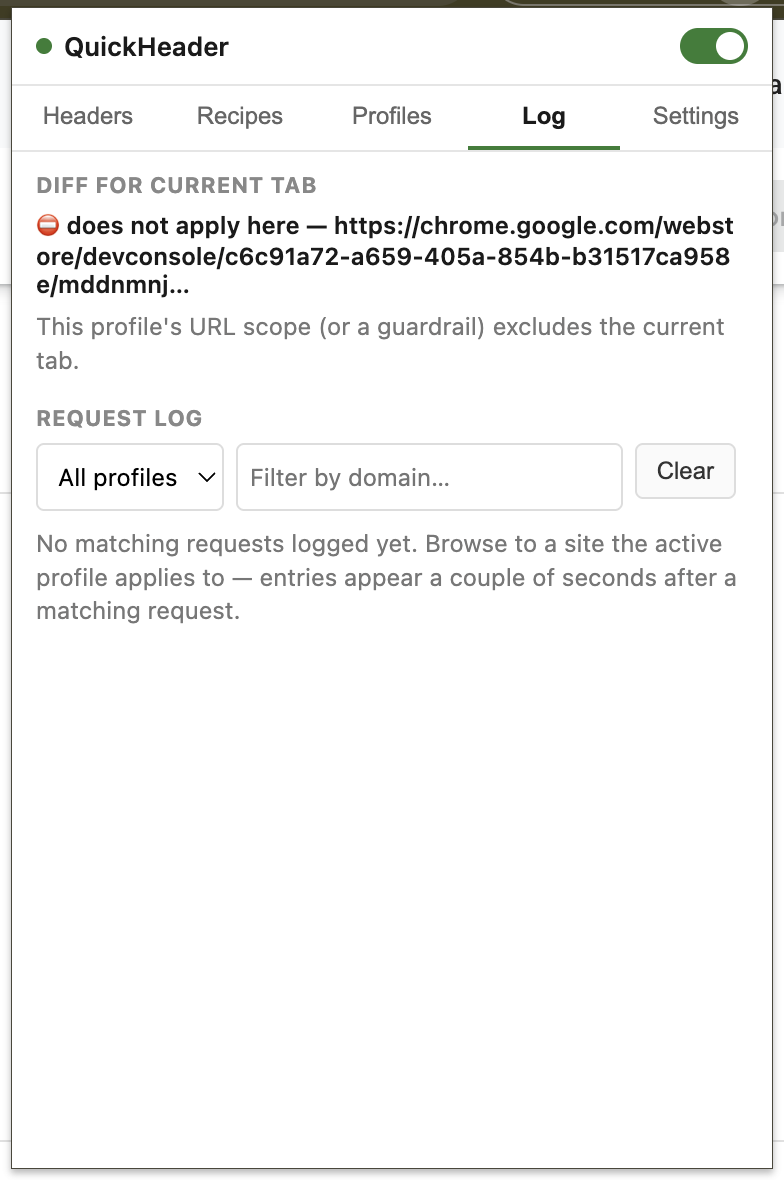
Request log
See exactly which headers were changed on real requests, filterable by profile or domain.
100% local
No data leaves your browser. Nothing is tracked, collected, or transmitted anywhere.
See it in action
Zero data collection, by design
QuickHeader has no backend and makes no network calls of its own. Every profile, rule, and setting is stored locally in your browser — nothing is ever sent to us or anyone else.
Read the full privacy policy →